Install the niuX Chrome extension
Complete engagement tasks on X to earn credits, and use credits to grow your own X account.
Checking niuX
Checking your extension and account connection.
Get started in 3 steps
Install from the store
Open the Chrome Web Store, select “Add to Chrome”, and confirm installation.
Sign in and link X
Sign in to niuX and link the X account you want to use.
Open X workspace
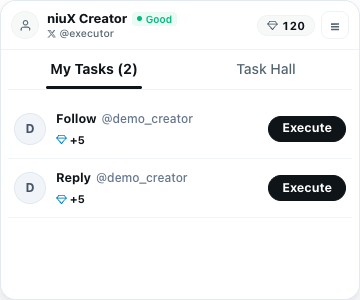
Once connected, open your workspace to view your tasks.
Chrome automatically updates niuX installed from the Web Store.


Task collaboration and promotion planning for X creators.
© 1970 niuX. All rights reserved.